

Download Da Fit
Use the official iOS or Android store links. Avoid lookalike apps from unknown sources.
Da Fit
Download, connect, and manage your smartwatch
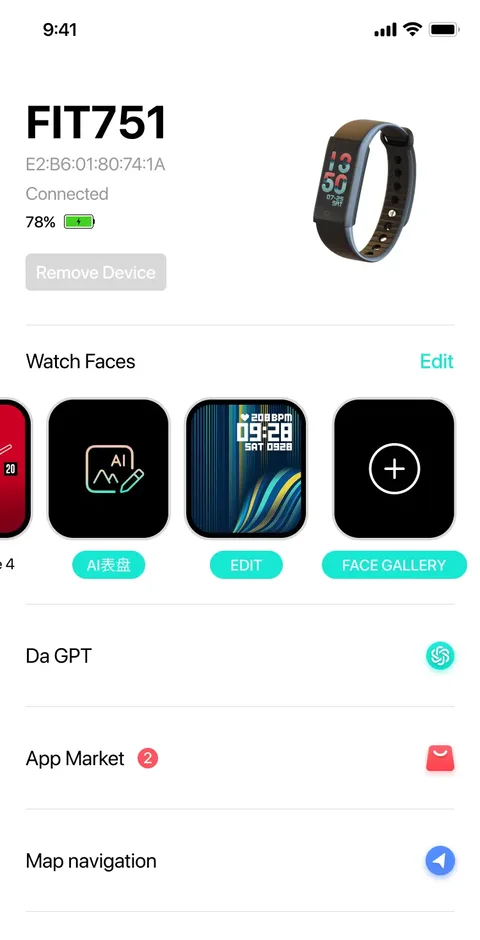
Connect your watch, sync daily wellness trends, explore watch faces, and stay connected with calls and app alerts.
Quick answer
Da Fit is a smartwatch companion app for iPhone and Android. It helps users connect smartwatches that use Da Fit, sync daily wellness data, view sleep and workout trends, customize watch faces, receive notifications, and manage device settings.
Official links
Download Da Fit from the official App Store or Google Play links on this website. After installing, turn on Bluetooth, open Da Fit, tap Add Device, and pair your smartwatch inside the app.
Get started
Use the official iOS or Android store links. Avoid lookalike apps from unknown sources.
Keep the watch near your phone and allow Bluetooth, notification, and background permissions.
Open Da Fit, choose your device, and pair from the app device list instead of only phone Bluetooth.
Everyday workflows
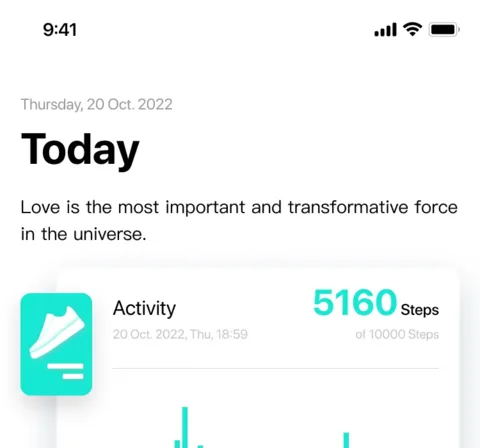
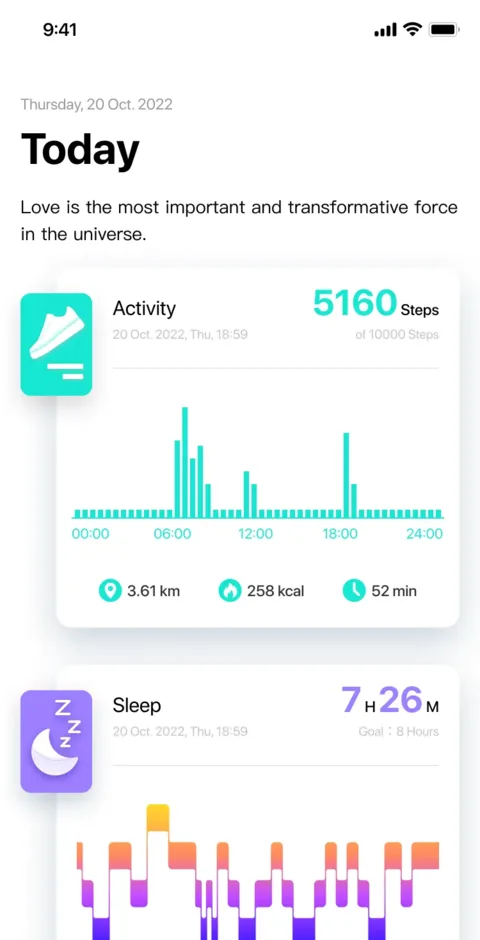
View steps, heart rate, sleep, blood oxygen, stress, and temperature trends in one place.
Track outdoor activity, pace, calories, routes, and progress without making the app feel heavy.
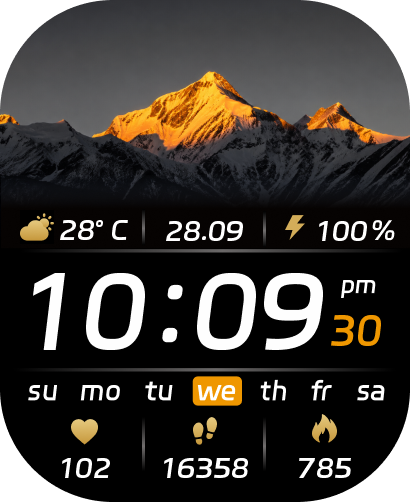
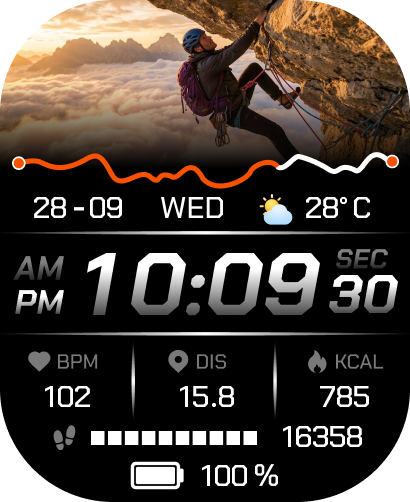
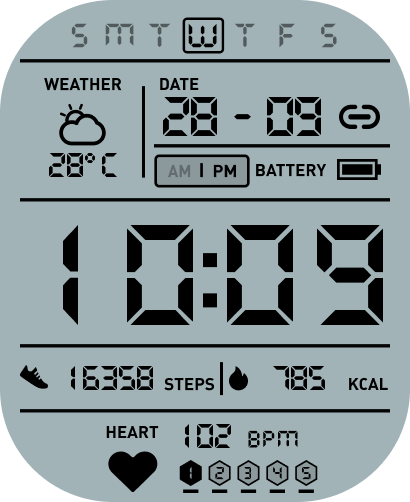
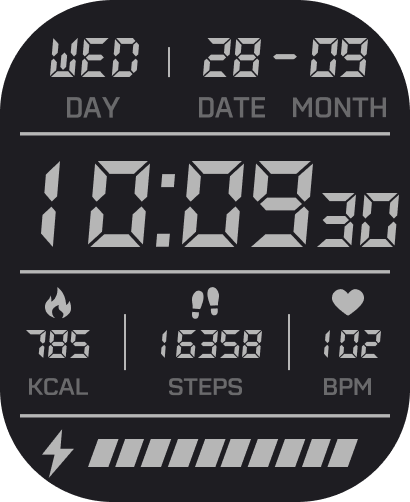
Switch between practical, sporty, playful, and photo-based faces to match your day.
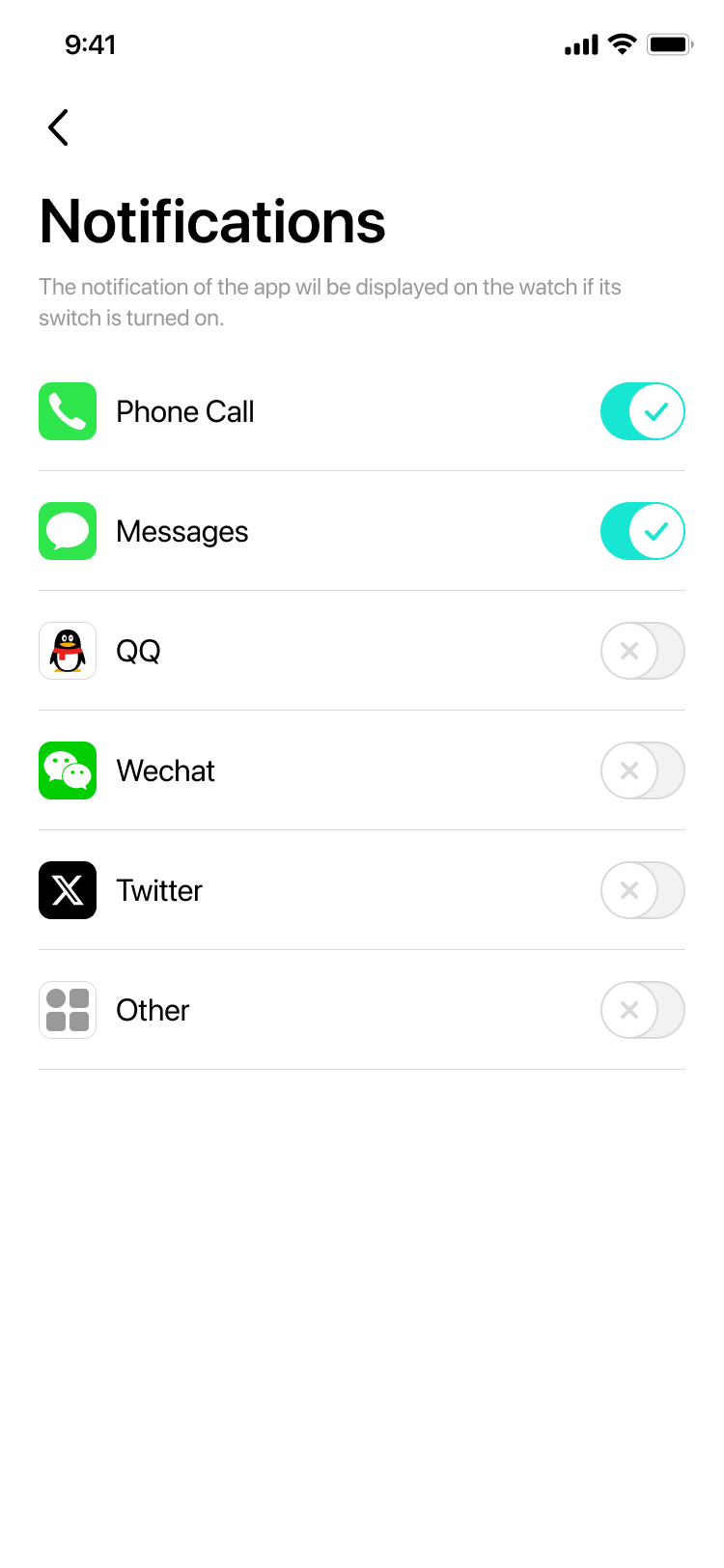
Set calls, messages, reminders, alarms, weather, and app alerts from one device control panel.
Help center preview
Find clear setup and troubleshooting guidance for pairing, notifications, sleep data, weather, and daily device use.
Open full usage guideRestart Bluetooth, keep the watch near the phone, remove stale pairings, then pair from inside Da Fit. If your phone closes Da Fit in the background, follow the phone-system guide.
Check notification permission, app-specific alert toggles, Do Not Disturb mode, and background activity settings.
Wear the device snugly while sleeping, sync data in time, and note that sleep is usually recorded when sleep starts between 8 PM and 10 AM.
Confirm the watch is connected, weather is enabled in Da Fit, location permission is allowed, and weather data has synced from the phone.
Trust layer
Explain why Bluetooth, notifications, location, and background access are needed.
Guide users to official app stores and reduce confusion from unofficial download mirrors.
State that smartwatch readings are wellness references and not medical diagnosis.